
Carousel Card
POST
https://sms.fastkyc.in/v1/rcs/messages
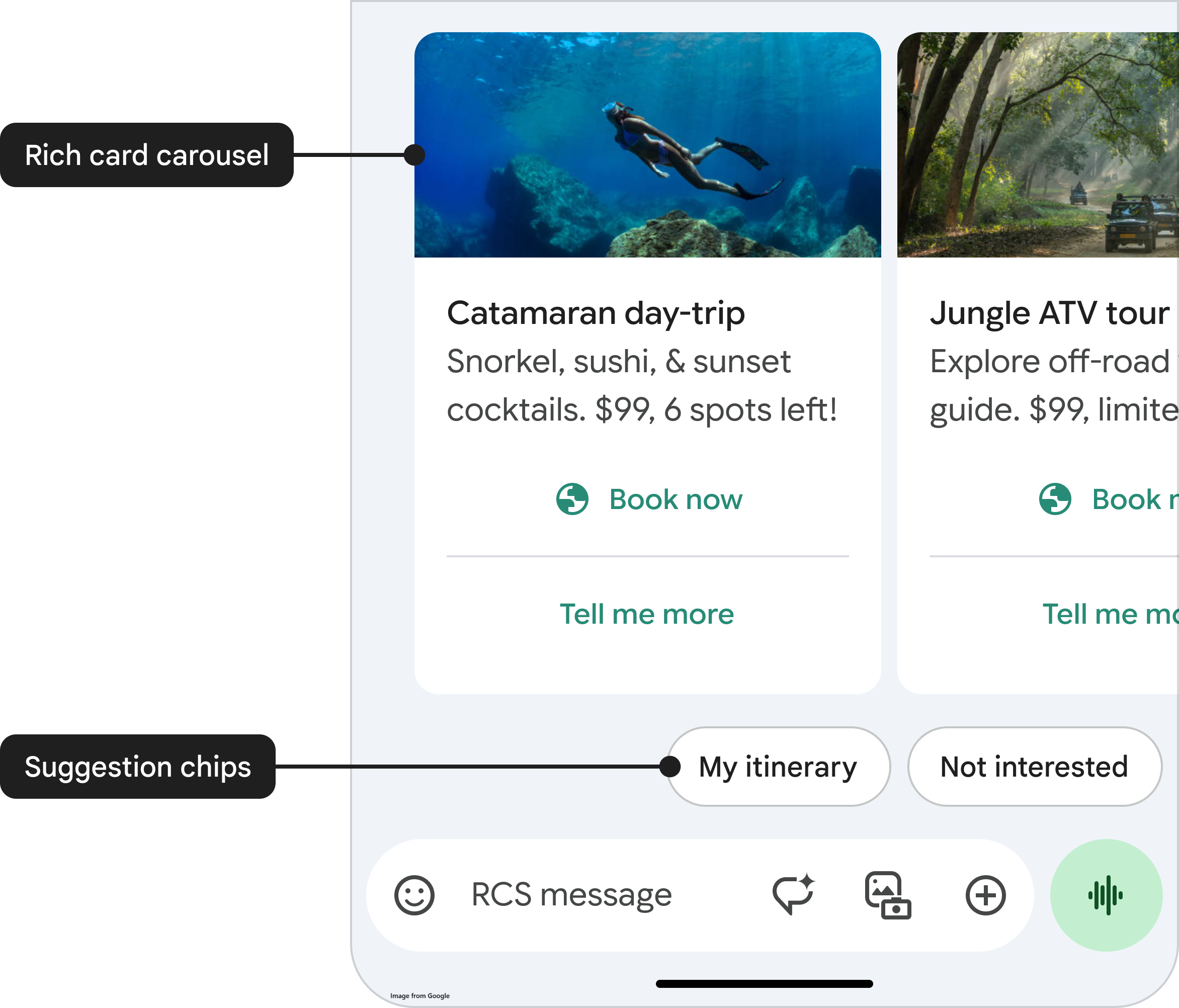
| Element | Best Practice |
|---|---|
| Title | Catchy, under 100 characters, may include emojis for style |
| Description | Up to 500 characters, but best kept concise (~150–200 for UI fit) |
| Media | Use HTTPS, optimized image (JPG, PNG) |
| Suggestions | 1–2 per card; include actionable text with a URL or postback |
Request
Header Params
Body Params application/json
Responses
Request Request Example
Shell
JavaScript
Java
Swift
cURL
curl --location 'https://sms.fastkyc.in/v1/rcs/messages' \
--header 'Authorization: Bearer <ACCESS_TOKEN>' \
--header 'Content-Type: application/json' \
--data '{
    "to": "<MOBILE>",
    "agentID": "<AGENT_ID>",
    "message": {
        "templateId": "<TEMPLATE_ID>",
        "templateParams": {
            "carouselParams": [
                {
                    "media": {
                        "contentInfo": {
                            "fileUrl": "<FILE_URL>",
                            "fileName": "<FILE_TYPE>",
                            "mimeType": "<MIME_TYPE>"
                        }
                    }
                },
                {
                    "media": {
                        "contentInfo": {
                            "fileUrl": "<FILE_URL>",
                            "fileName": "<FILE_TYPE>",
                            "mimeType": "<MIME_TYPE>"
                        }
                    }
                }
            ]
        }
    }
}'
Response Response Example
200 - Success
{
    "message": "1 numbers accepted",
    "data": [
        {
            "messageId": "a8XXXXXX-1bXX-4XXd-b5XX-5dXXXXXX:1",
            "mobile": "+9198XXXXXXXXX",
            "charges": 0.05
        }
    ]
}
Modified at 2025-06-30 06:21:24